
- Navigate to url.live and login.
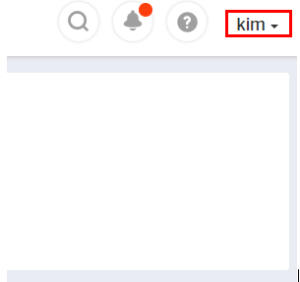
- Access the top drop down menu by clicking on your username.
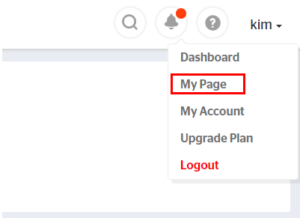
- Click My Page.
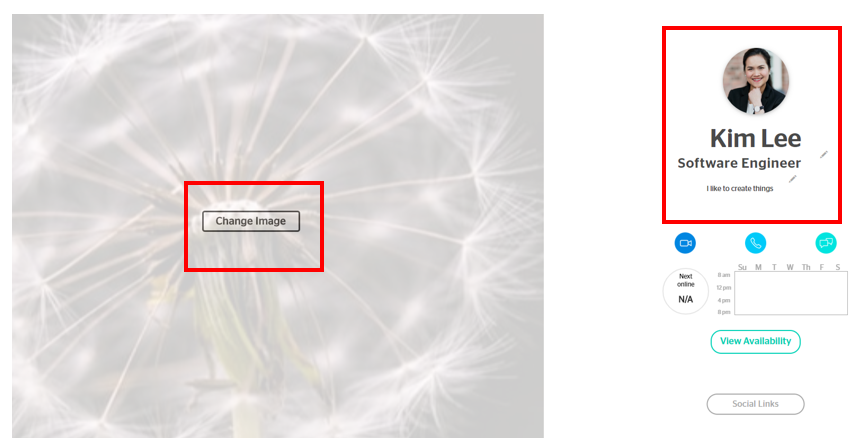
- Click on any of the Edit buttons to add or change personal information. You are able to add images, a bio, a title, and social links
How do I edit my profile?
Updated on August 21, 2020